> ## Documentation Index
> Fetch the complete documentation index at: https://docs.drdroid.io/llms.txt
> Use this file to discover all available pages before exploring further.
# Slack App Integration
If you do not use any on-call management tool and live your life on Slack, we've made it easy for you. Install our Slack app and boom, you're ready to go. 💥
## How to get started?
* Sign up at [DrDroid](https://aiops.drdroid.io).
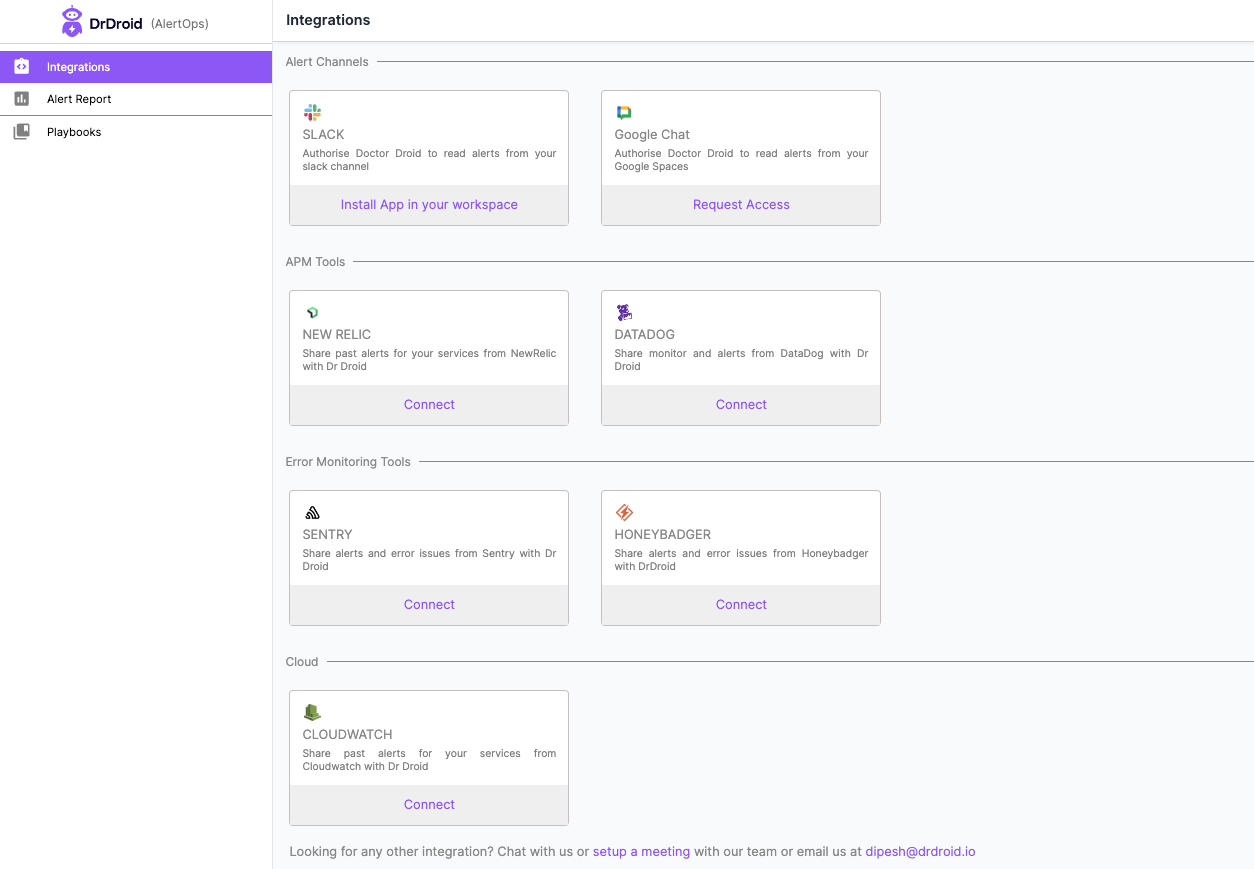
* Add DrDroid app to your Slack workspace.
 ## Adding the bot to channel
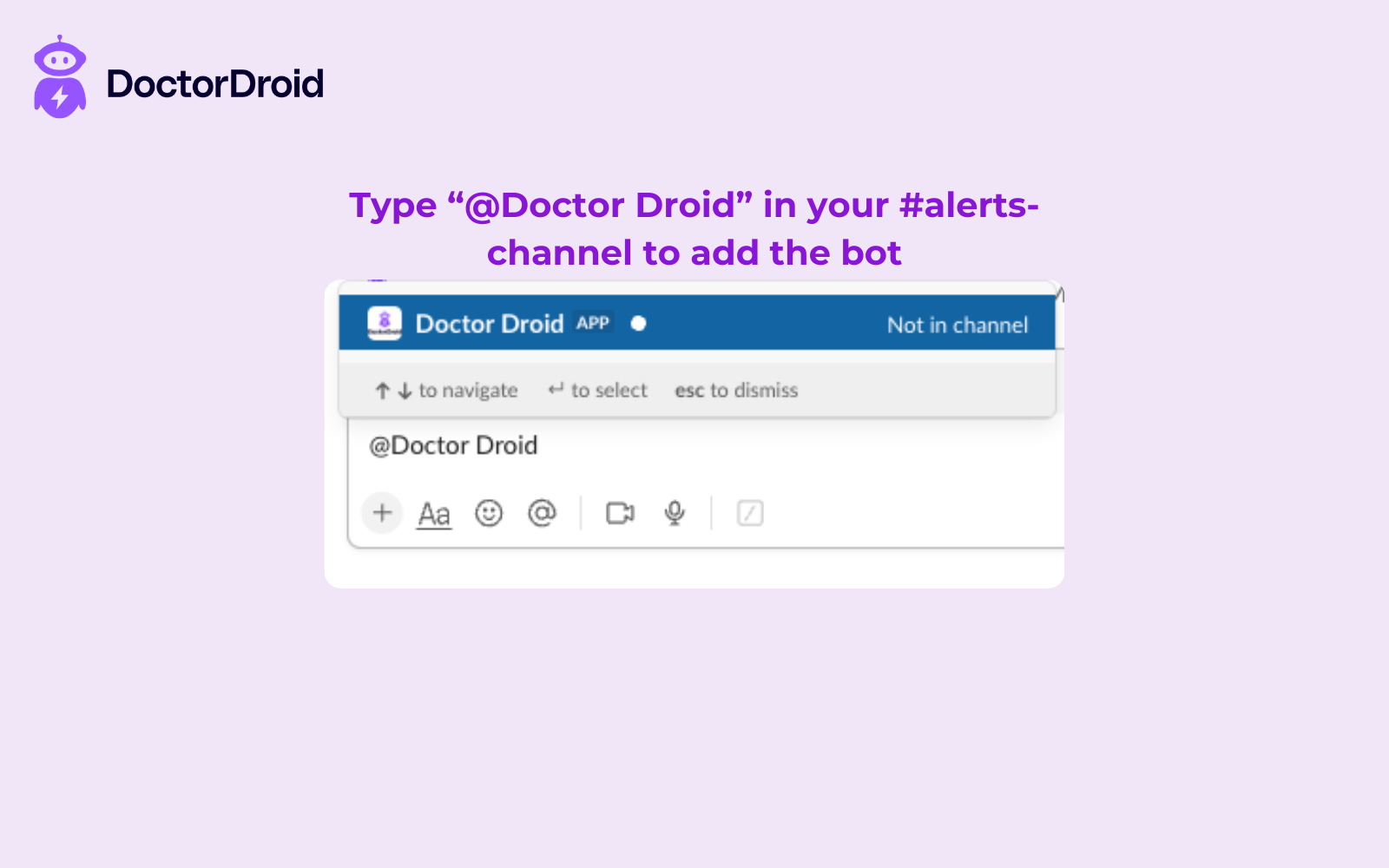
* Once the app is installed, you should add the bot to any specific channel, start by typing **@DrDroid** in your alerts channel.
## Seeing alerts
Alerts received on any of these channels will be visible to you in the UI.
## Adding the bot to channel
* Once the app is installed, you should add the bot to any specific channel, start by typing **@DrDroid** in your alerts channel.
## Seeing alerts
Alerts received on any of these channels will be visible to you in the UI.