

Connection:
Step 1: Go to Integrations > Clickhouse in the Playbooks platform.
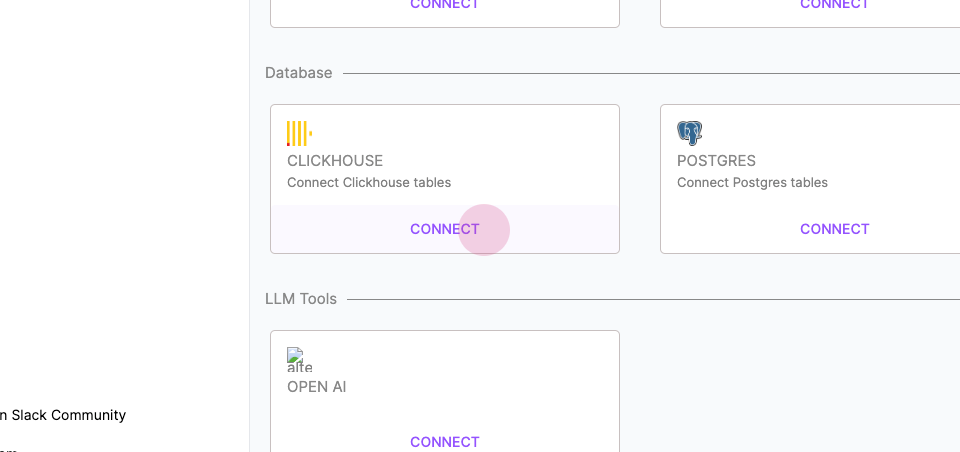
Step 2: Enter your database connection details. (database host, port, and credentials (username and password))
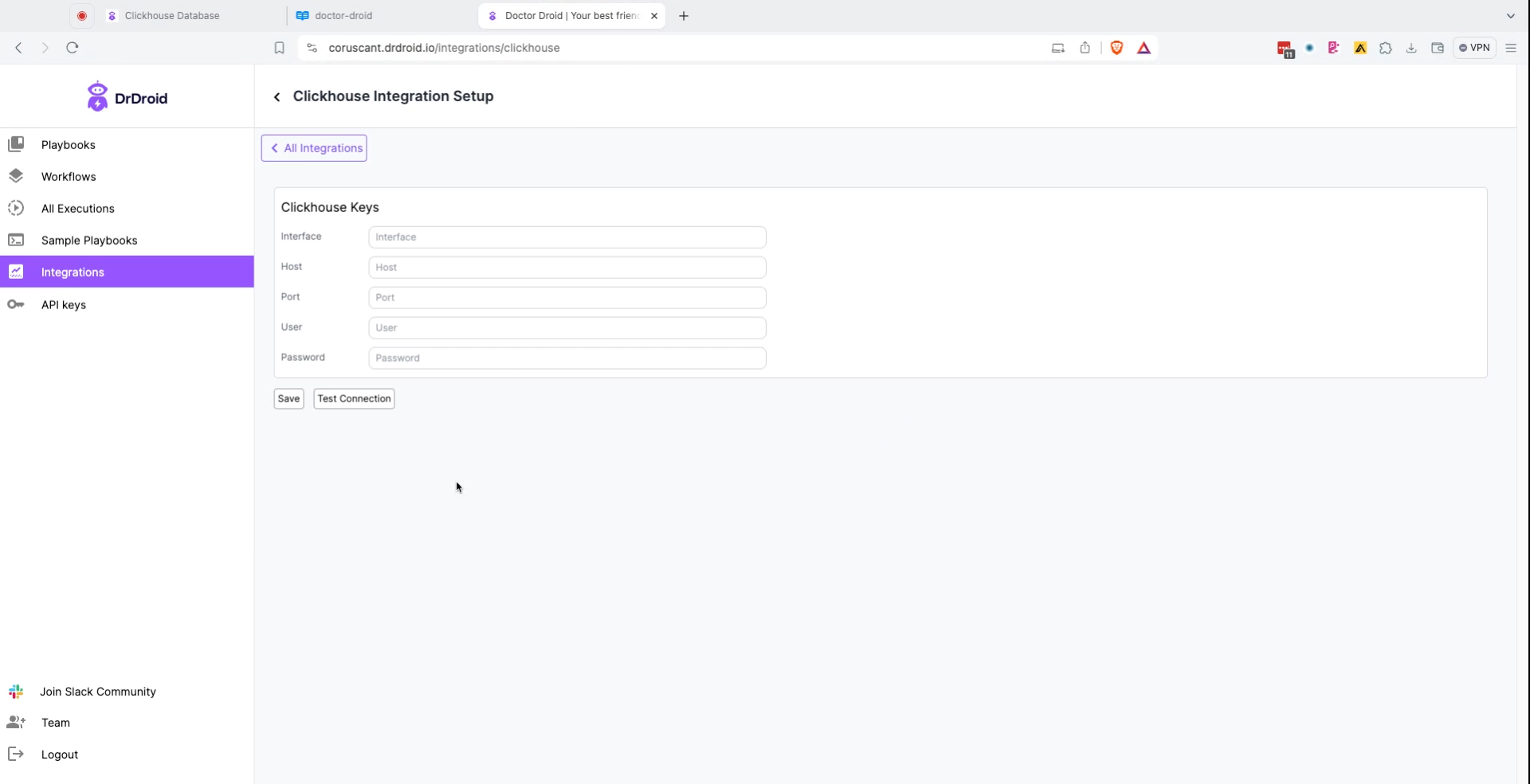
Note: When you fill in the host, you do not need to add https://.
Step 3: Testing the Integration: Create a playbook that includes a step to run a simple SELECT query against your Clickhouse database and verify the results are fetched correctly.
Querying:
After adding Clickhouse DB as a connection, you can do the following:- Run a query on Clickhouse DB.